
Home
Solutions
Products
Services
About
Careers
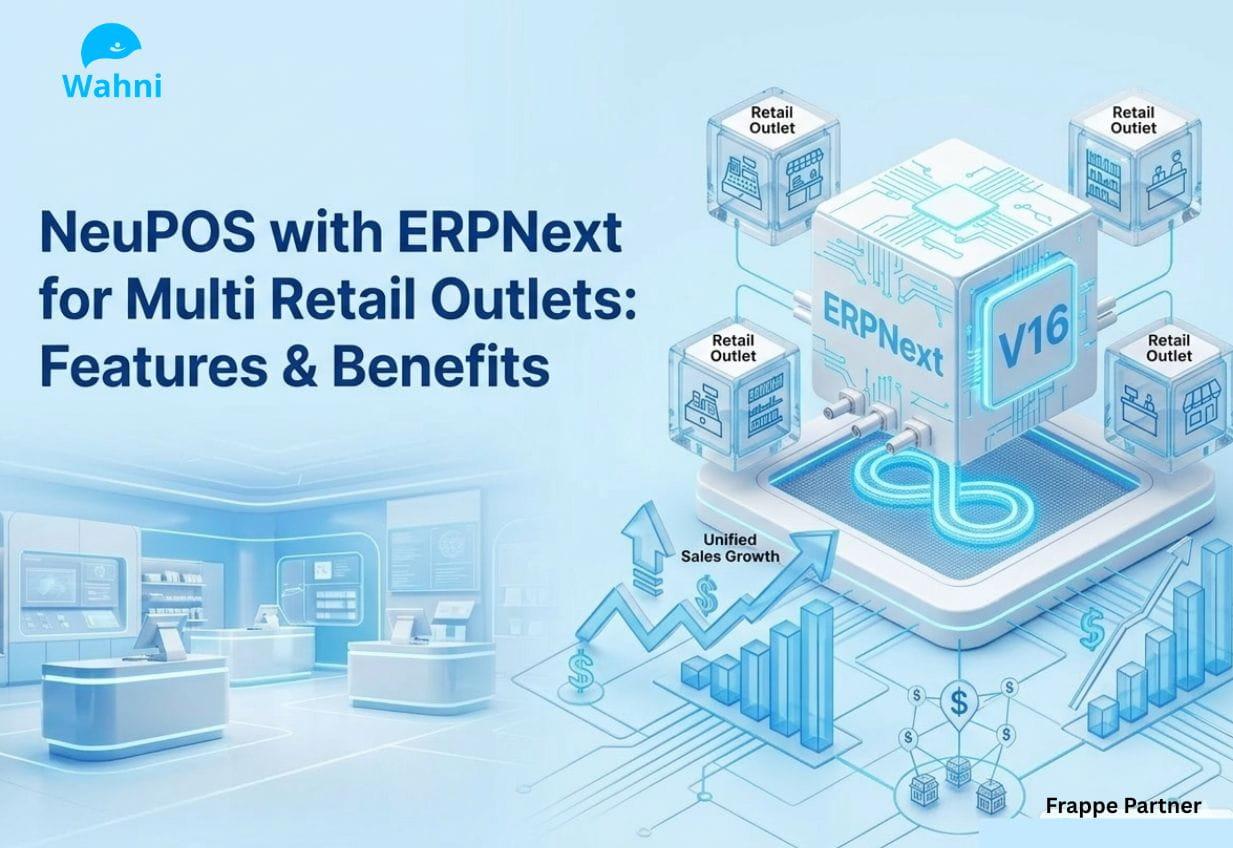

Retail businesses depend on their Point of Sale (POS) systems to manage daily sales, track inventory movement, and maintain financial records.
In many stores, however, billing software, stock tracking tools, and accounting systems are managed separately. When these systems operate separately, store staff and managers often face reporting delays, repeated manual work, and inconsistent business data.
ERPNext POS for Retail is an open-source, cloud-based point-of-sale platform that connects directly with ERPNext applications such as inventory management, accounting, and customer relationship management. The platform supports faster checkout, real-time stock tracking for multiple store locations, and continued billing even when the internet connection becomes unstable.
Many retailers are now replacing traditional POS software because disconnected systems increase manual work and create challenges in maintaining accurate business records. ERPNext & NeuPOS provides a connected retail management platform that keeps sales, inventory, and financial data synchronized.
At Wahni IT Solutions, we developed NeuPOS integrated with ERPNext
NeuPOS – A High-Performance POS System for ERPNext
NeuPOS is a user-friendly Point of Sale system developed for ERPNext users. It features a clear and easy-to-use POS screen that supports fast billing and organized store processes from the start to the end of each shift.
Unlike many POS systems that depend fully on internet connectivity, NeuPOS continues processing sales even if the network is unavailable, keeping store workflows uninterrupted.
NeuPOS is built on Frappe Books, an offline-first accounting platform that enables retailers to handle sales, stock management, and financial data within a single platform with complete control.
NeuPOS is commonly implemented by retail businesses such as:
• Stores with high customer volumes requiring rapid checkout
• Restaurants and cafés that need timely order handling
• Multi-location retail chains coordinating stock between outlets
• Businesses in areas where internet service is not always available
NeuPOS Capabilities for Retail Operations
1. POS Billing and Daily Store Operations
NeuPOS provides a clear POS screen that retail stores use to handle daily sales and billing activities.
• Start and manage store shifts using the built-in shift system
• Process sales quickly using a simple POS screen
• Automatically update inventory in ERPNext after each transaction
• Close the day with clear sales summaries and shift reports
How retailers use it:
Store staff begin the day by opening a shift in the system. During the day, they record sales using barcode scanners or select items from the product list on the POS screen.
The result:
Billing becomes faster and more organized, while managers receive clear reports showing sales and transactions for each shift.
2. Stock and Inventory Tracking
NeuPOS provides retailers with clear information about inventory in different warehouses and store locations through ERPNext.
• Request stock transfers between warehouses when needed
• Check available stock in different store or warehouse locations
• Receive alerts when product quantities become low
• Keep inventory connected with ERPNext warehouse records
How retailers use it:
If a product is not available in one store, staff check the stock available in other warehouses or store locations and request a transfer to restock the item.
The result:
Retailers avoid losing sales due to out-of-stock items and maintain the right product quantities in different stores and warehouses.
3. Payments and Payment Tracking
NeuPOS supports different payment methods and keeps payment records clearly updated within the system.
• Track pending payments for customers
• Accept cash, card, and digital wallet payments
• View payment status updates instantly
• Generate payment receipts at the time of billing
How retailers use it:
During checkout, cashiers select the payment method used by the customer. If a customer pays only part of the amount, the remaining balance can be recorded and completed later.
The result:
Retailers maintain clear payment records for every transaction, while customers can choose the payment method that is convenient for them.
4. Reports and Business Insights
NeuPOS provides direct access to ERPNext reports from the POS screen, so retailers can review sales and business data in the same system during daily store activities.
• View ERPNext reports directly from the POS screen
• Access dashboards showing important business data
• Monitor sales performance as transactions happen
• Export reports for further review and analysis
How retailers use it:
Store managers review daily sales results, inventory reports, and financial summaries from the POS dashboard during the day.
The result:
Retailers can quickly review business information and use these reports to monitor sales, plan inventory, and support business planning.
5. Stock Transfers Between Warehouses
NeuPOS supports the movement of inventory between warehouses and store locations, keeping stock records updated within the ERPNext system.
• Receive and process stock transfer requests
• Track the progress of stock transfers from request to completion
• Update inventory automatically after transfers
• Keep a clear record of all stock movements
How retailers use it:
When a store needs products that are available in another location, staff create a transfer request in the system. Warehouse staff then review and process the transfer to move the items to the required store.
The result:
Retailers keep stock records properly updated and reduce differences in inventory between stores and warehouses.
6. ERPNext System Connection
NeuPOS connects directly with ERPNext. Sales, inventory, customer information, and accounting records remain updated within the same system.
• Exchange data directly with ERPNext
• Use customer details and pricing rules stored in ERPNext
• Record accounting entries automatically for each transaction
• View reports that combine sales, inventory, and financial data
How retailers use it:
Each POS transaction updates ERPNext records, including inventory quantities and accounting entries created for the sale.
The result:
Retailers reduce manual data entry and keep business information properly updated in ERPNext.
Use Cases of NeuPOS with ERPNext in Retail
NeuPOS with ERPNext support different types of retail businesses.
• Retail stores use the system for barcode billing, product returns, and customer loyalty programs.
• Supermarkets use the POS system for faster checkout, automatic inventory updates, and sales reporting.
• Restaurants and cafés use POS systems to record orders, process payments, and track daily sales.
• Multi-store retail businesses use ERPNext POS to monitor inventory for different store locations and review sales performance for each outlet.
Why Retailers need to switch to NeuPOS with ERPNext?
Many retailers are replacing older POS systems because separate tools for billing, inventory, and accounting create extra work in daily store operations. When these systems are not connected, staff often spend time checking and updating business data manually.
NeuPOS with ERPNext by Wahni IT Solutions connects sales transactions with inventory updates and accounting records in one system. Sales information, stock quantities, and financial entries update automatically after each transaction.
As retail businesses grow and open additional stores or warehouses, ERPNext POS supports managing inventory and sales for different locations from the same platform.
Another reason retailers choose NeuPOS with ERPNext is the open-source model. Businesses can operate the system without depending on expensive licensing structures often seen in other POS software.
For retailers planning to improve their store systems, NeuPOS with ERPNext by Wahni IT Solutions supports daily retail activities while supporting business expansion in the future.
Take the Next Step with Wahni IT Solutions
A modern, successful retail business requires fully connected systems. Separate billing and inventory tools create extra work, lead to reporting mistakes, and can affect overall business results. Choosing an ERPNext-based platform, NeuPOS, supports clear workflows, precise record keeping, and well-organized retail operations.
As a Frappe Silver Partner, Wahni IT Solutions provides consultation, implementation, and support for NeuPOS. Our ERPNext Retail Consultants review current POS setups, identify gaps, and recommend a structured implementation approach aligned with retail operations.
Contact for inquiries and service information.
Sales & Inquiries:
Phone: +91 80866 51555
Email: saumya@wahni.com